Adjust legend position, direction, layout, and optionally merge legends across a multi-plot patchwork.
Usage
fmt_legend(
  plot,
  legend.position = NULL,
  legend.direction = NULL,
  legend_theme = NULL,
  merge_legends = FALSE,
  ncol = NULL,
  nrow = NULL,
  ...
)
Arguments
- plot
A ggplot, patchwork, or list of ggplot objects.
- legend.position
Legend position. Accepts:
Character: `"top"`, `"bottom"`, `"left"`, `"right"`, `"none"`.
Shorthand corner codes: `"br"`, `"bl"`, `"tr"`, `"tl"` (inside plot corners).
Numeric vector of length 2: `c(x, y)` coordinates (0-1) for inside-plot positioning.
Default `NULL` (no change).
- legend.direction
`"horizontal"` or `"vertical"`. Default `NULL`.
- legend_theme
A ggplot2 theme object for legend styling, e.g., [theme_legend1()]. Applied after position/direction settings so it can override them. Default `NULL` (no extra styling).
- merge_legends
Logical. If `TRUE` and input has multiple plots, collect legends into a single shared legend via patchwork. Default `FALSE`.
- ncol
Number of columns in the legend layout (passed to [ggplot2::guide_legend()]).
- nrow
Number of rows in the legend layout (passed to [ggplot2::guide_legend()]).
- ...
Additional arguments passed to [ggplot2::theme()], e.g., `legend.text`, `legend.key.size`, `legend.background`.
See also
Other plot formatting:
fmt_axis(),
fmt_bg(),
fmt_boxplot(),
fmt_com(),
fmt_expand(),
fmt_his(),
fmt_plot(),
fmt_point(),
fmt_ref(),
fmt_scale(),
fmt_strip(),
fmt_tag()
Examples
library(ggplot2)
p <- ggplot(iris, aes(Sepal.Length, Sepal.Width, color = Species)) + geom_point()
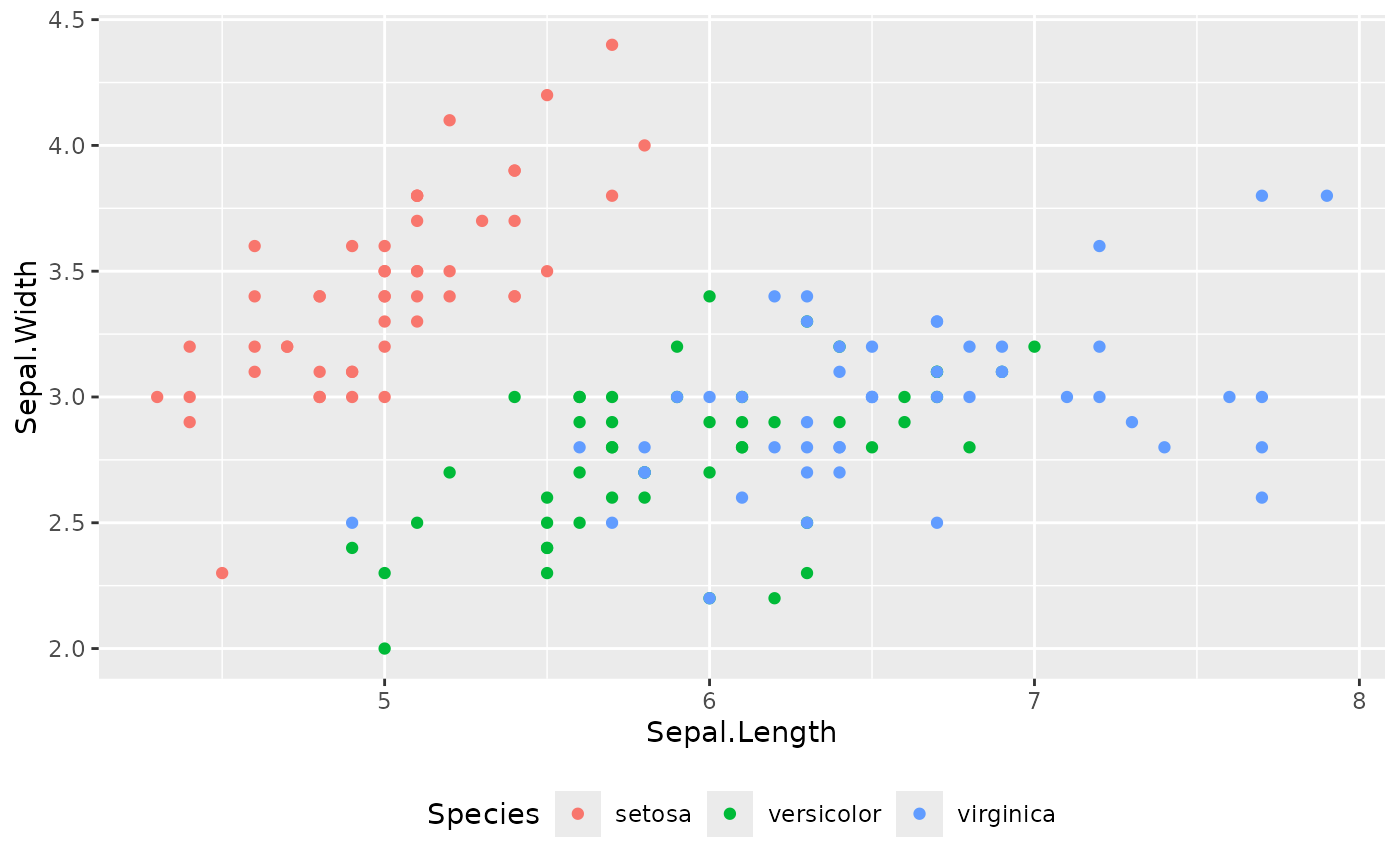
fmt_legend(p, legend.position = "bottom", legend.direction = "horizontal")
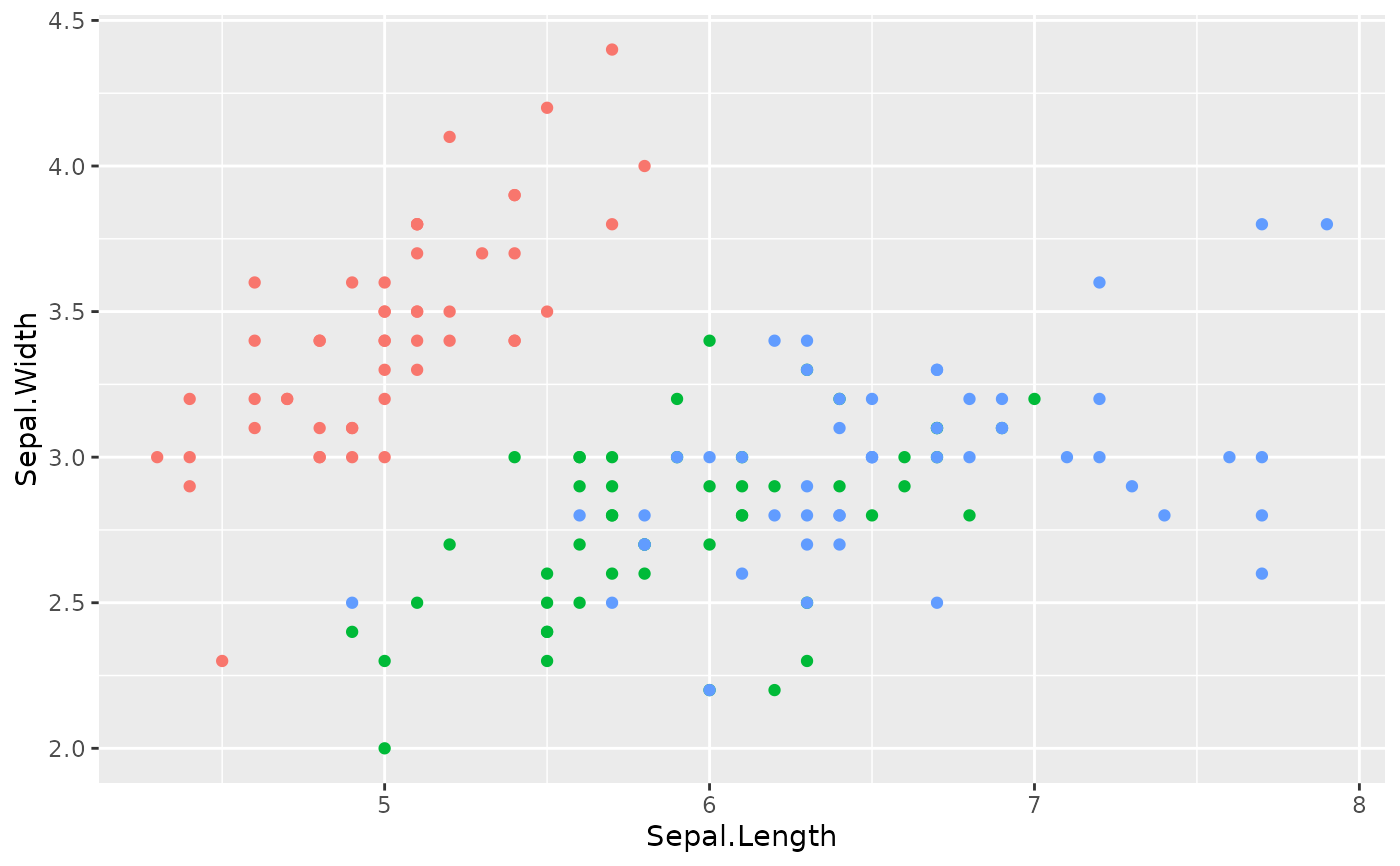
 fmt_legend(p, legend.position = "none")
 fmt_legend(p, legend.position = "br")
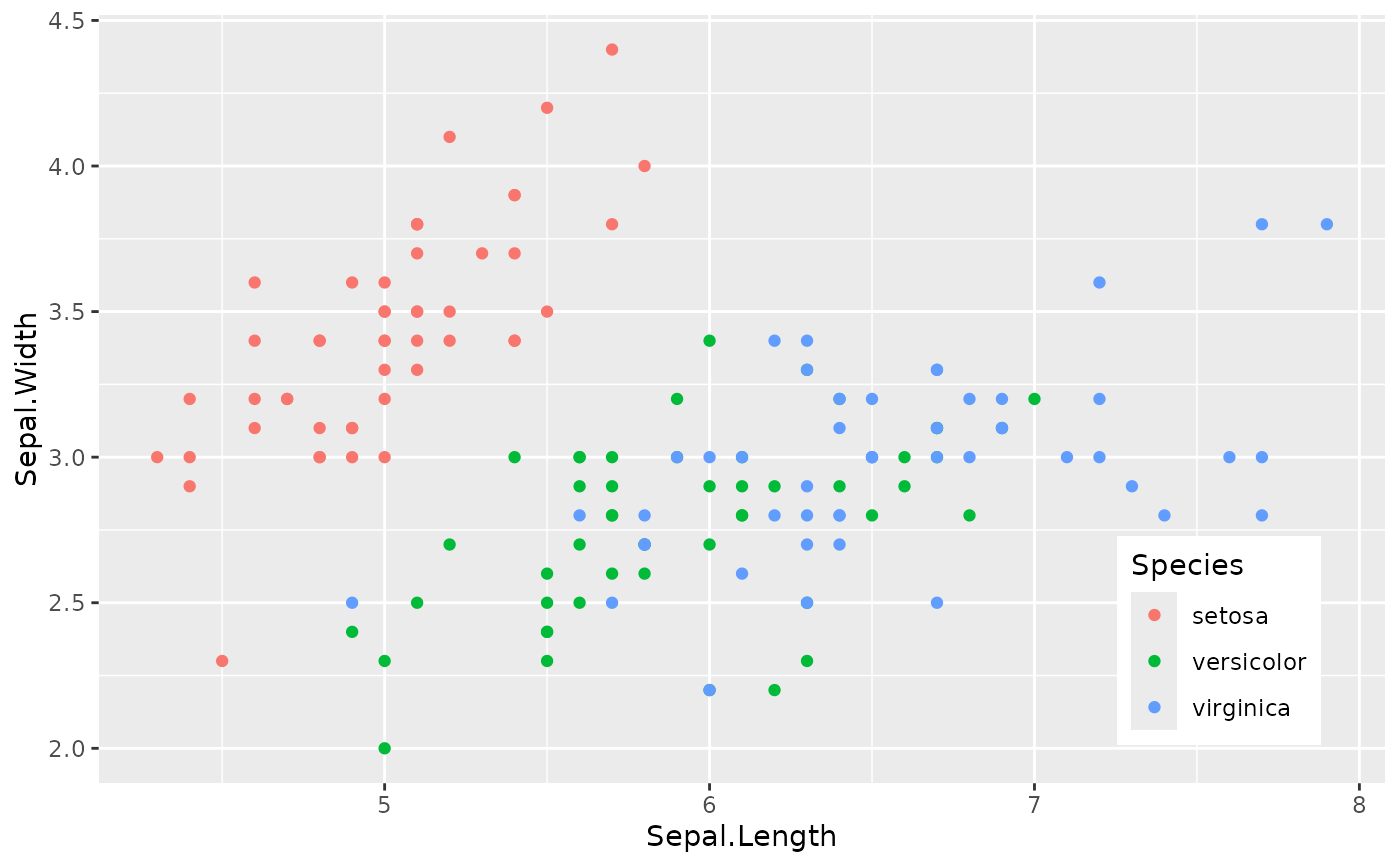 fmt_legend(p, legend.position = c(0.9, 0.2))
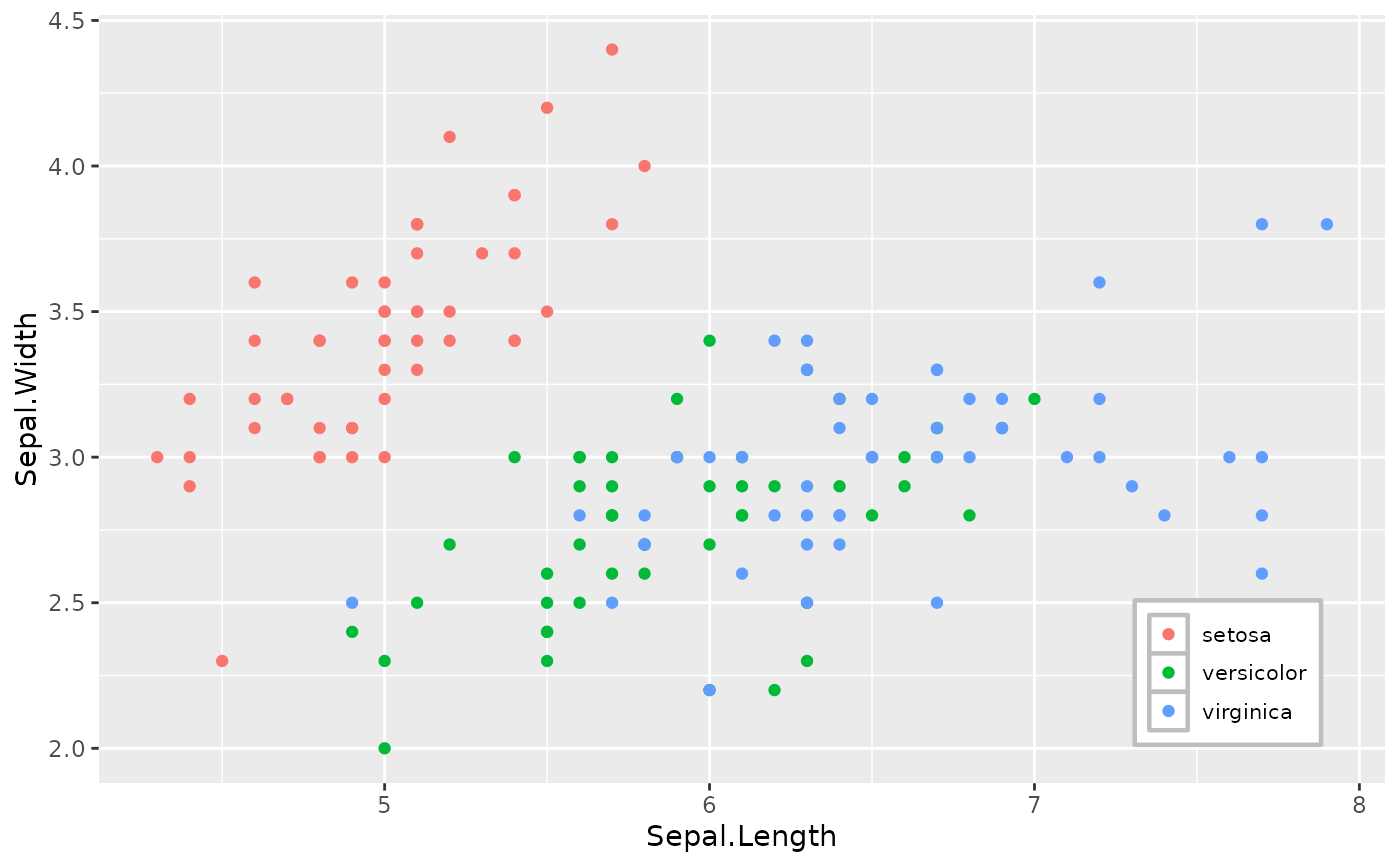
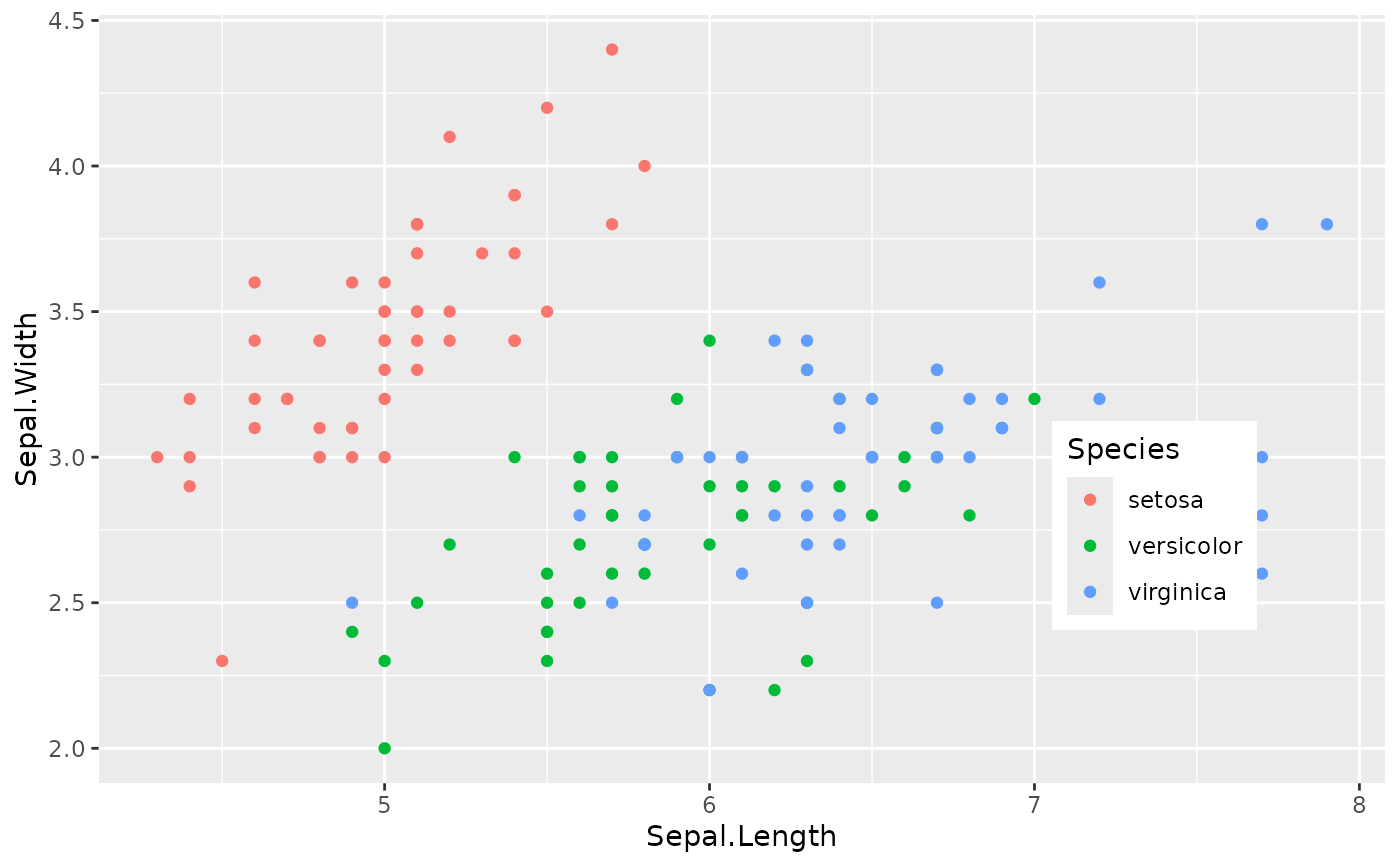 fmt_legend(p, legend.position = "br", legend_theme = theme_legend1())